> ## Documentation Index
> Fetch the complete documentation index at: https://docs.codecrafters.io/llms.txt
> Use this file to discover all available pages before exploring further.
# No changes found
> Instructions on resolving error related to no changes found
When pushing your changes, you might see a message indicating that no changes were found.
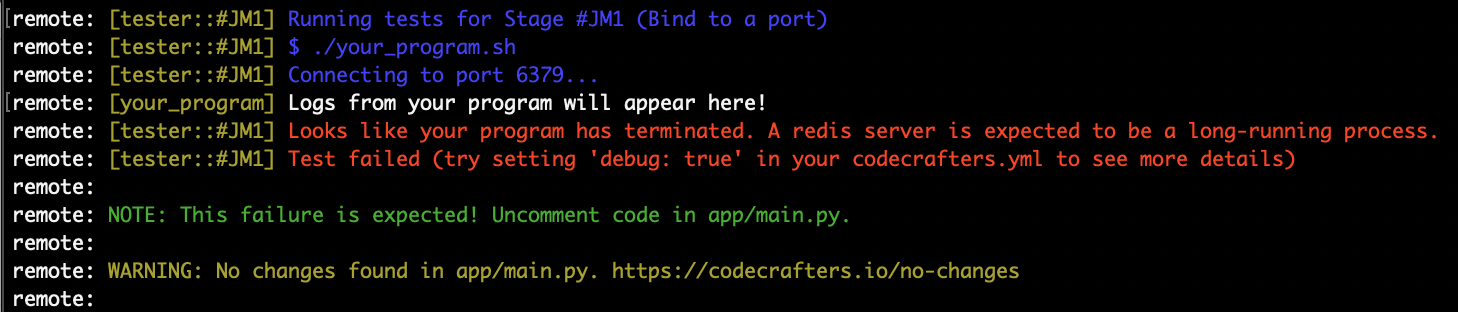 This most likely means that you haven't run `git add .` before running `git commit` and `git push`.
Make sure to run all these three commands in order:
```sh theme={null}
git add .
git commit -m ""
git push origin master
```
This most likely means that you haven't run `git add .` before running `git commit` and `git push`.
Make sure to run all these three commands in order:
```sh theme={null}
git add .
git commit -m ""
git push origin master
```